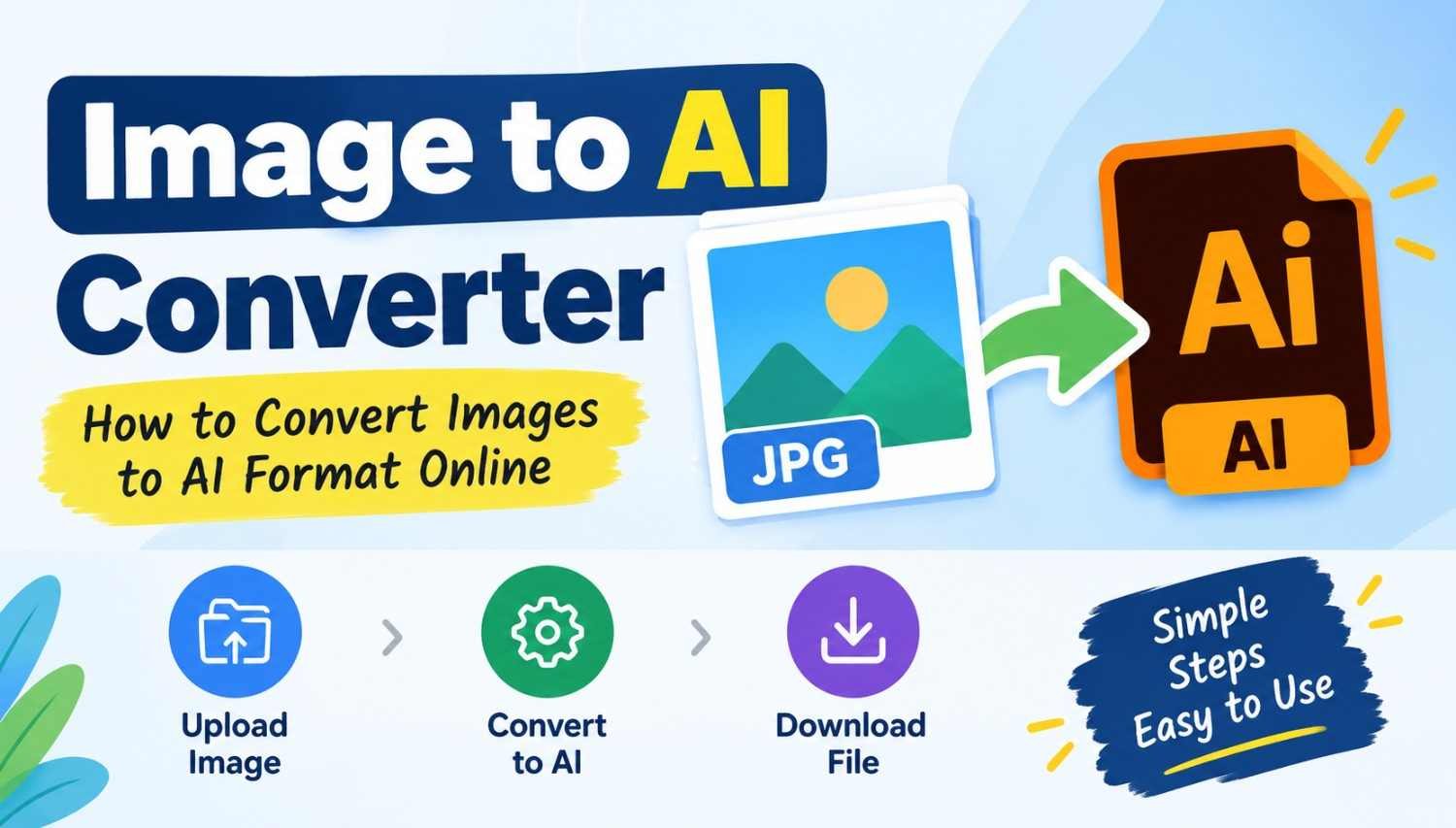
Sometimes you may have an image in JPG, PNG, or another common format and need it as an AI file for your work. An AI file is the Adobe Illustrator Artwork format, which is mainly associated with Adobe Illustrator. It is commonly used for design projects, illustrations, logos, and other artwork.
If you need to convert an image to AI format, an online converter can make the process simple. You don't always need to install a separate program just to convert a file. With an online Image to AI Converter, you can upload your image, convert it, and download the resulting file from your browser.
What Is an AI File?
AI stands for Adobe Illustrator Artwork. It is a file format used by Adobe Illustrator to save artwork and design projects. It is important to note that the AI mentioned here does not mean Artificial Intelligence. In this article, AI refers to the Adobe Illustrator Artwork file format.
AI files are commonly used for logos, illustrations, drawings, and other graphic design work. Depending on how a file is converted, the result may not have the same editable vector structure as artwork originally created in Adobe Illustrator. For professional design work, it is a good idea to check the converted file before using it.
Why Convert an Image to AI Format?
There are different reasons why someone may want an image in AI format. For example, a designer may need an AI file for a project, or someone may want to open the converted file in software that supports Adobe Illustrator files. Converting an existing image can also be useful when you are working with files from different sources and need them in a particular format.
However, keep in mind that simply converting an image file does not automatically recreate the original artwork as a fully editable vector design. The result depends on the conversion method and the original image.
How to Use an Image to AI Converter
Using an online image converter is usually straightforward. You can follow these basic steps:
Step 1: Open the Image to AI Converter
First, open the Image to AI Converter in your web browser. You can use the tool on a computer, tablet, or supported mobile browser.
Step 2: Select Your Image
Click the option to browse or select a file from your device. Choose the image you want to convert. The image can be one of the supported formats available on the converter.
Step 3: Start the Conversion
After selecting your image, start the conversion process by clicking the Convert button. The tool will process the uploaded file and prepare it in the AI format. The time required can depend on the size of the image and your internet connection.
Step 4: Download the AI File
Once the conversion is complete, download the resulting AI file to your device. You can then save it for later use or open it with compatible software. That's it. The whole process can be completed from your browser without going through a complicated setup.
Can I Convert an Image to AI on a Phone?
Yes, you can use an online Image to AI Converter from a phone if the website and your browser support the required features. The basic process remains the same. Open the converter, select an image from your phone, start the conversion, and download the resulting file when it is ready. This can be convenient when you don't have access to a computer and need to convert an image while working from your phone.
What Should You Check After Conversion?
After downloading the converted AI file, it is worth checking the file before using it for an important project. Open it with compatible software and check whether the image, colors, shapes, and other elements look as expected. If you need a fully editable vector design, remember that converting a regular raster image into an AI file does not necessarily produce the same result as creating the artwork as a vector from the beginning. For simple file conversion needs, however, an online converter can save time and make the process easier.
Is an Online Image to AI Converter Easy to Use?
For basic conversion, the process is quite simple. You select your image, start the conversion, and download the result. The main advantage is convenience. You don't have to spend time searching for complicated settings when you only need to convert a file from one format to another. It is still a good idea to review the converted file, especially if you are going to use it for printing, professional design work, or another important project.
Frequently Asked Questions
What does AI mean in an AI file?
In this context, AI means Adobe Illustrator Artwork. It refers to the file format used by Adobe Illustrator and does not mean Artificial Intelligence.
Can JPG be converted to AI?
A JPG image can be converted into an AI file using a compatible converter. However, the converted file may not have the same editable vector structure as an original Illustrator artwork.
Can PNG be converted to AI?
Yes, a PNG image can be converted to an AI file when supported by the converter. After conversion, it is recommended to check the result before using it for professional work.
Do I need Adobe Illustrator to convert an image?
Not necessarily. An online converter can be used to convert an image through a web browser. Adobe Illustrator or other compatible software may be needed later if you want to open or edit the resulting AI file.
Can I use the converter on mobile?
If the converter works with your mobile browser, you can use it from a smartphone. The steps are generally the same: select the image, convert it, and download the resulting file.
Final Thoughts
Converting an image to AI format does not have to be complicated. An online Image to AI Converter can provide a simple way to process an image when you need an AI file.
Just select your image, start the conversion, and download the result. Before using the file for an important design or printing project, take a moment to open it and make sure everything looks the way you expect.
One thing to remember is that AI here means Adobe Illustrator Artwork, not Artificial Intelligence. Knowing this difference can help you choose the right tool for your particular file conversion needs.
Also Read: